Part 1: The Beginning
Welcome to the first post in my Music Technology Blog! I am a student at the Conservatorium of Music in Sydney, Australia and will be using this opportunity o share the adventure I’m going on through various aspects of Music Technology, and especially its relation to Music Education
I am going into this adventure with very minimal knowledge of the various formats in which Music and Technology can be associated with another, and further confused about how to infuse this combination with a classroom environment. We began this weeks expedition into the pedagogical use of the program, Soundtrap.
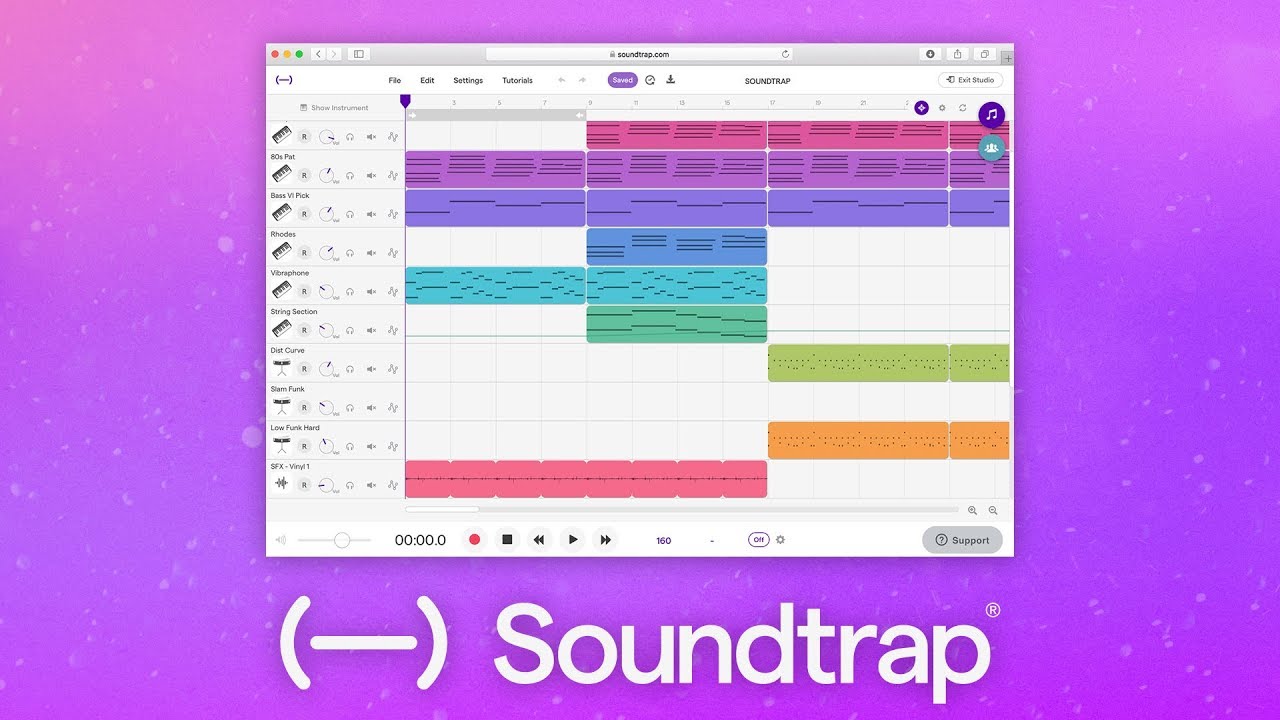
This was a really interesting site that allows students to explore the 6 Concepts of Music on their own through various form of experimentation and tinkering.
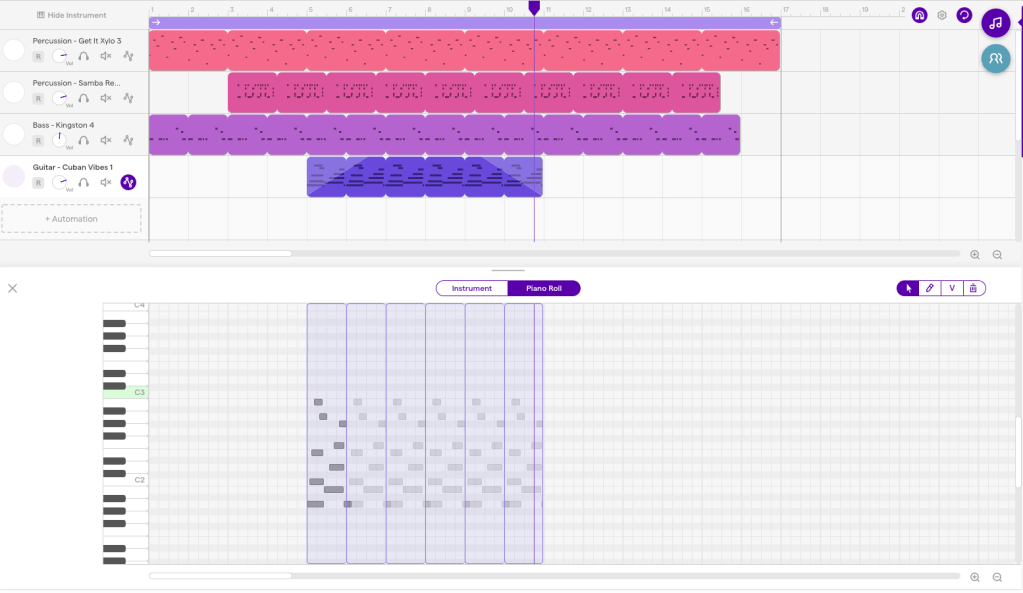
Below is an example of how my own piece began to come along. It consisted of discovering sounds and loops that I enjoyed, and progressing to expand the musicality to produce a song. Quickly discovering some of the other aspects present in the image below, I soon realised how I myself was adjusting the piece and exploring the concepts of music on my own. For example, in the fourth loop I added a fade in, and out on the Cuban Vibes Guitar part, which my experimentation with dynamic variation. Furthermore, the staggered starting of the parts was a look into textural and timbre diversity, seeking different combinations of sounds.
This was a really fascinating process to expose myself to, and was a great first step in my music technology journey. I also learnt from my lecturer, James Humberstone (view his blog here) about a few of the following terms that I may mention over the next series of blogs:
Audio = Refers only to the sound that has been recorded
MIDI = Refers to the computer language about notes. It has the ability to be edited note by note and you’re not limited to the sound you recorded it on, meaning you can transfer it into music notation much more easily
Sequencer = Allows you to input and rearrange MIDI within the program
DAWS (Digital Audio Workstation) = Allows you to input and rearrange audio files.
 Mitchell's Tech in Music Blog