Part 2: The First Recordings
Welcome to the second part of my exploration into the exciting ways technology can be used in music education. This week will be a collection of different terms and processes which I didn’t know and that I wish to share with others so that it may become clearer for you!
XLR Cables:
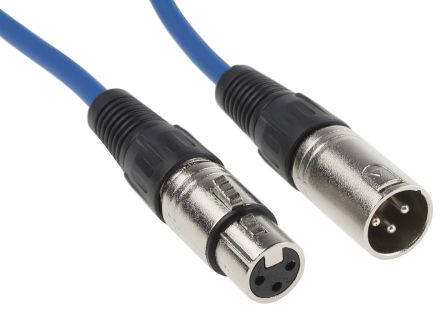
The XLR cable has three pins in it which allows the transmission of sound and electricity along the wire. This allows the sound from the microphone (or other sound source ) to be passed down to the mixer (or other receiving source)
Digital Interface Boxes

These boxes are used to transfer the sounds made by a microphone to be formatted and cleaned to a level where they can be used in a DAWS to make a nicer recording.
…jki
Dynamic Microphones
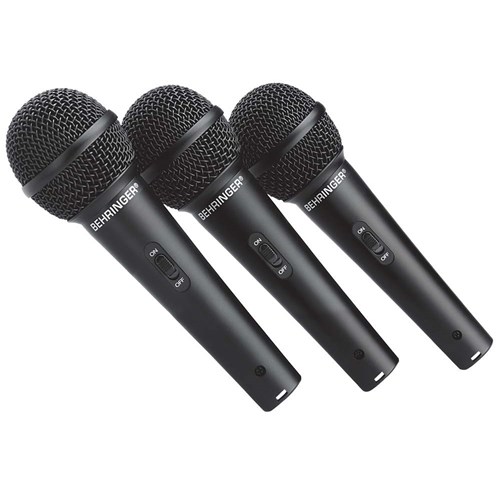
These microphones are used for single source points and capture more direct sounds, taking in less background noise. This is extremely useful in a classroom scenario as it will limit the impact of other students. Furthermore, these mics are quite durable (and can be relatively cheap).
Click here to listen to a podcast of my friends and I playing with looping an a dynamic microphone
Condenser Microphones
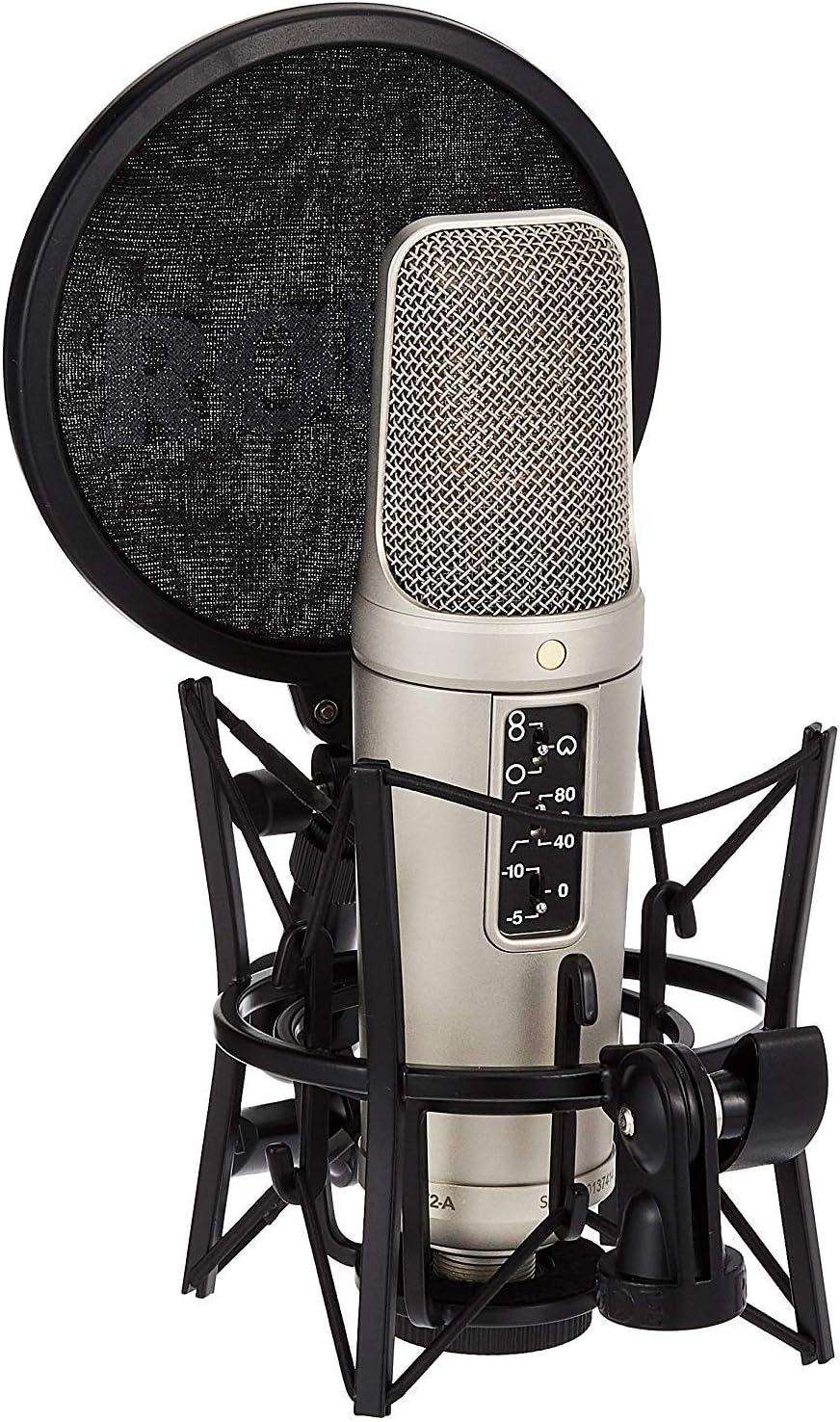

These microphones use a voltage that goes down the wire to turn it on (although are gradually being improved to use batteries nowadays). The are also much less durable than dynamic microphones and are more expensive to use, especially for a classroom budget. However, these microphones are more useful when recording stereo sounds. They take in much more sound, and as a result struggle to filter excess background sounds.
Stereo Instruments: Instruments that have more than one sound source.Not many do this as the sound only comes from one place, such as a brass or woodwind instrument.
For example: A Piano close is stereo (hear sounds from its full breadth of sound) but from a distance the instrument becomes a mono instrument (the sound only comes from the piano as a whole when you’re at the back of a theatre). Similarly, the voice is mono, but when reverb is added, it becomes stereo.
Tips:
Always soundcheck with loudest music
Don’t forget to check your input settings
Use presets to readjust the sound and put compression on your voice.
Change the gain in the box to change dynamic
Below are a couple of examples of me messing around with a few of these kinds of microphones.
TogsTips:
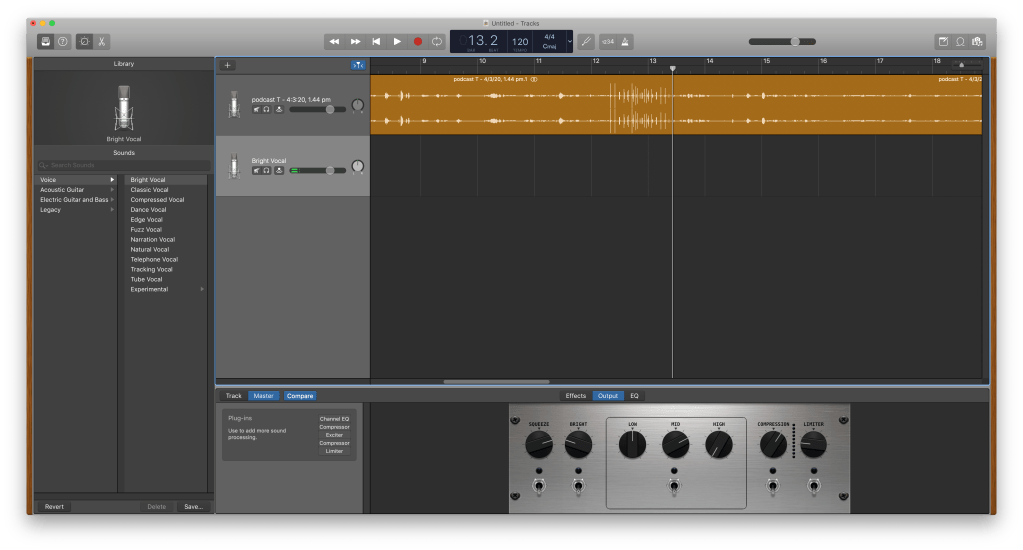
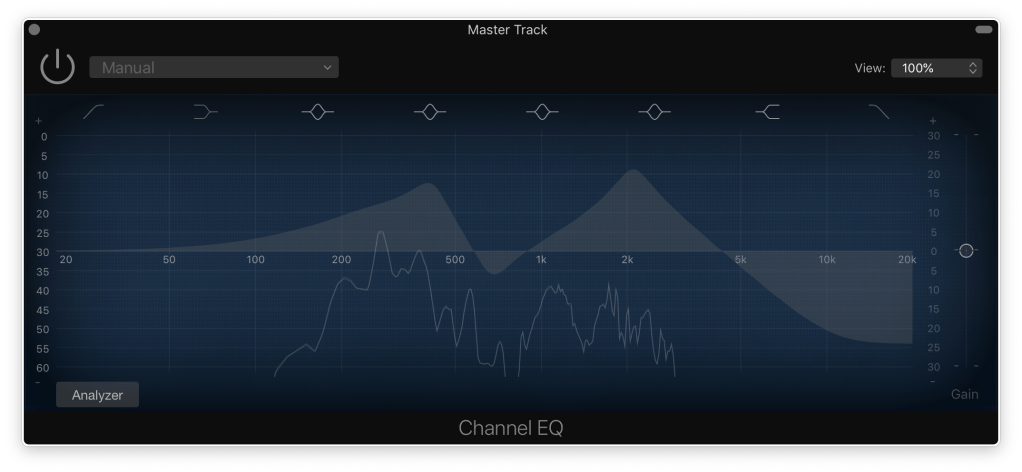
Did you know you can screenshot a window on mac by holding command + shift + 4 and then pressing spacebar!
 Mitchell's Tech in Music Blog